Keeping your personal data up to date is essential for security and proper identification on the Tess AI platform. The "Account" section inside your settings is the central place to manage all your profile information.
This article shows how to access and change your personal data.
How to access Account settings
Log in to your Tess AI account.
Click the icon of your profile, located in the lower left corner of the screen.
In the menu that opens, select the "Settings" option.
You will be taken to the "Account" tab by default.
Options will be available in the "Account" tab
On this screen, you can manage the following information:
Personal Data: Change your first name, last name, and profile picture.
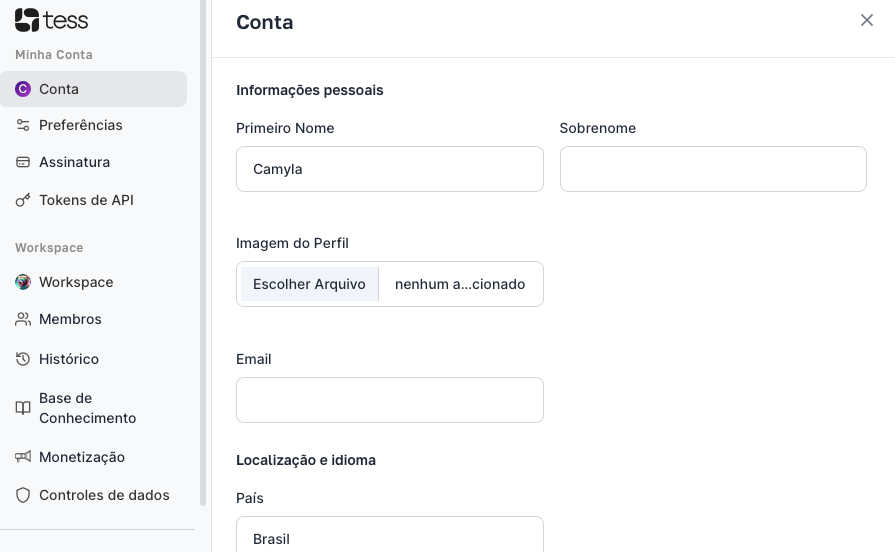
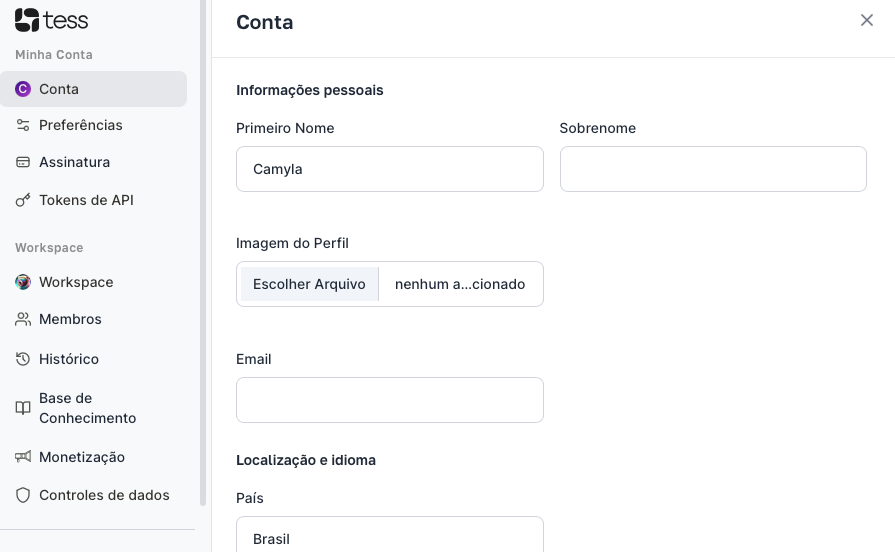
Access Email and Location: Change the email address linked to your account, as well as your location.
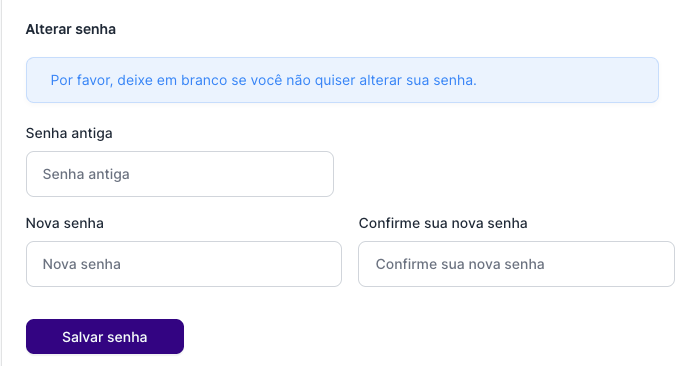
Change Password: Create a new access password for your account.
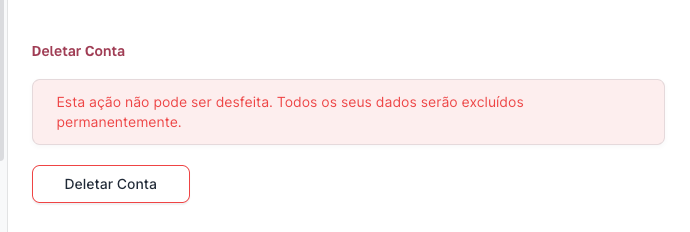
Delete Account: Start the process to permanently delete your Tess AI account.

If you have any questions about managing your account, our support team is available to help via email: support@tess.im.
